How Can I Import a Panel in EyeQuestion Project
You can add panelists in EyeQuestion by transferring them from the Panel Database to the panel access list or using excel import.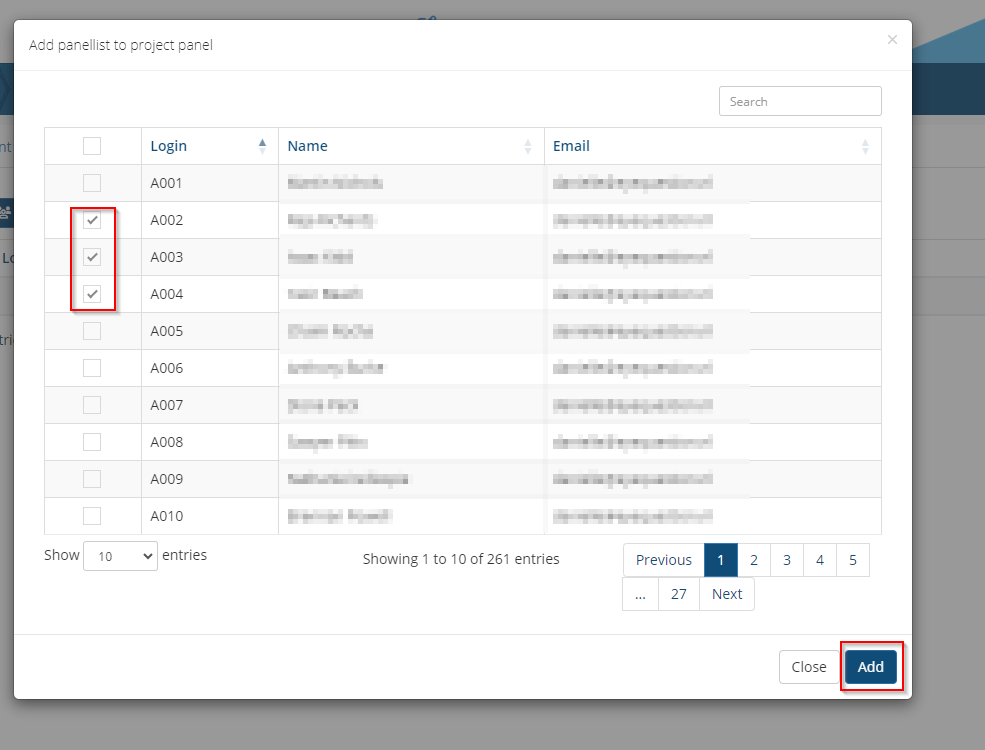

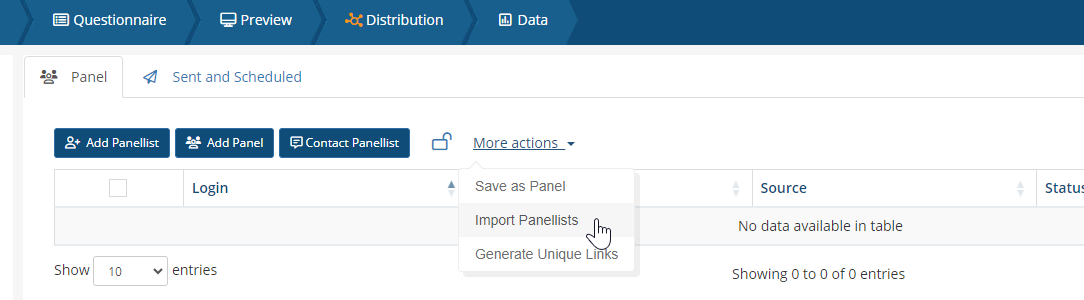

Open a project and click on the Distribution tab>Add panellist. Panellists can be added to the panel by adding them from the database by checking the box next to the panelist login.
It is also possible to import an excel file to load your panel. Click More actions >Import panelists and select an excel sheet on your local machine.
You can either import panellists that are already in EyeQuestion (panellists that have a login name) or import temporary panel (panelists that doesn't exist in your panel database).
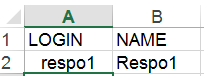
If you want to import a selection of panellists that are already in EyeQuestion you must use the format as seen below :
If you want to import temporary panel then use the format below: